
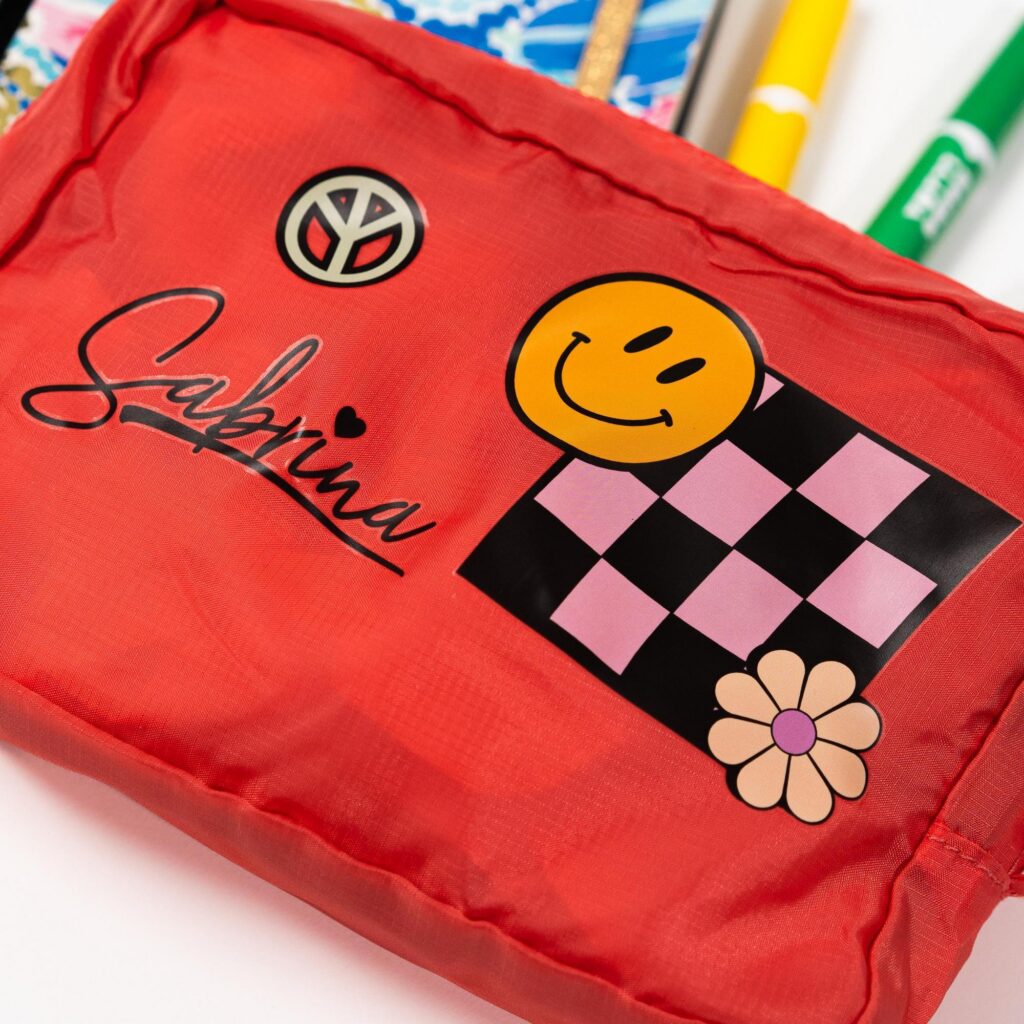
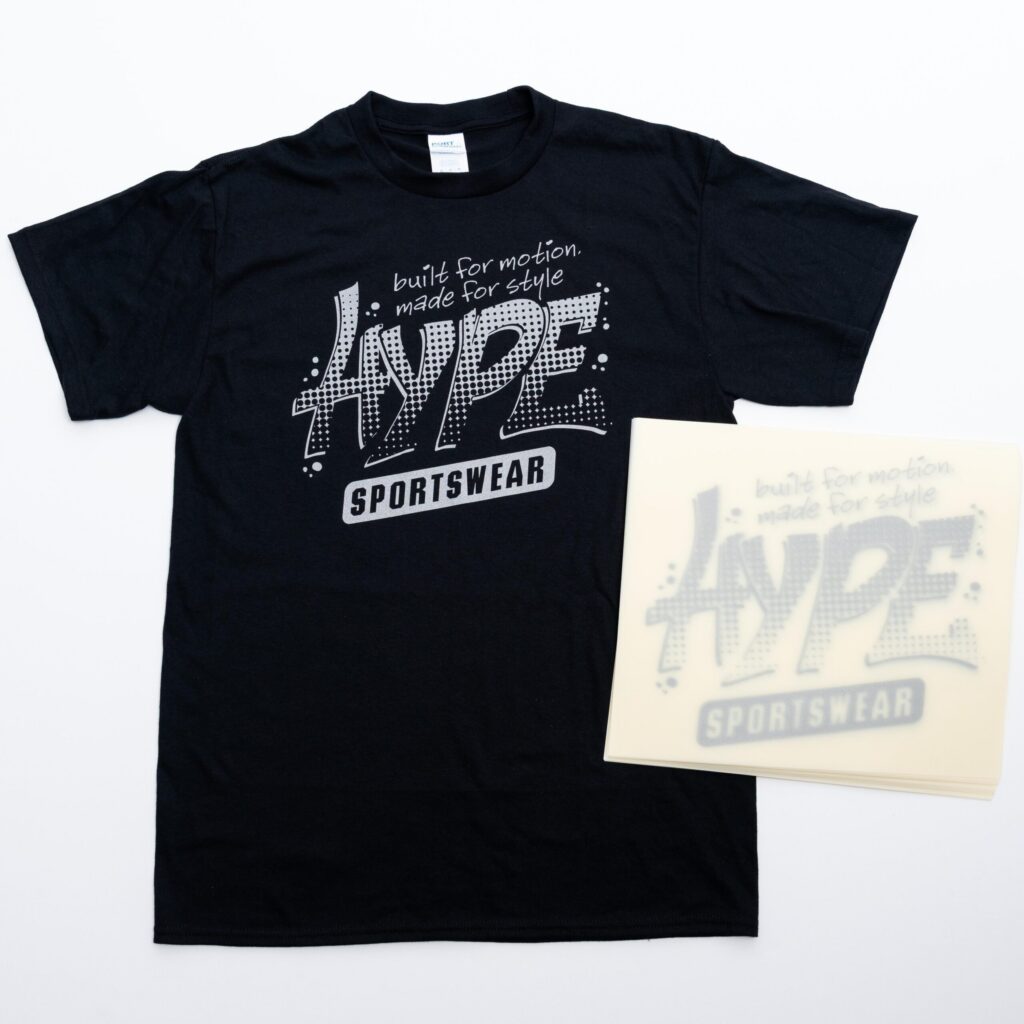
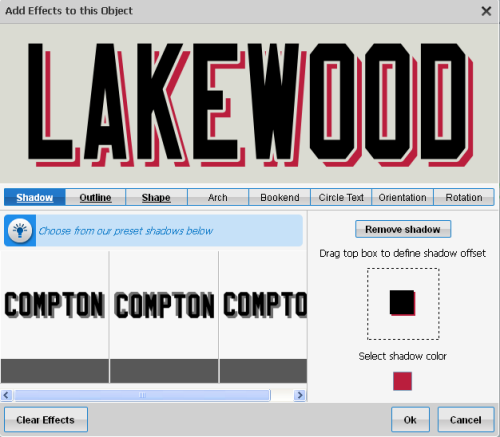
One of the exciting features about new Easy View® is adding effects to text and clip art. Each of these effects have names but you don’t really need to know the name of the effect you…

Ordering a Color Change in Easy View
A color change is when you change the color of your print from one ink color to another. The advantage of a color change is that you get the price break of the entire order and…
How to Group and Ungroup Objects in Easy View
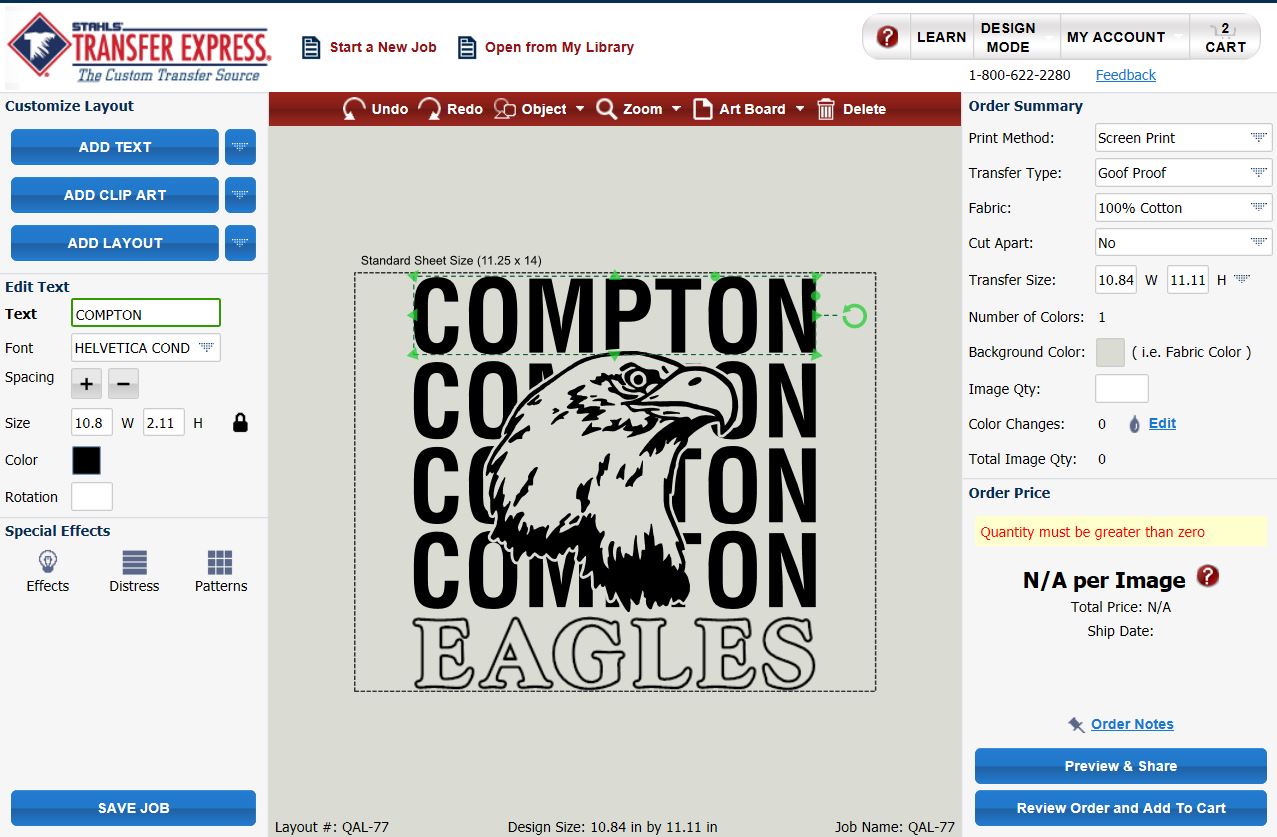
In Easy View® an advanced feature is to be able to Group and Ungroup a design or parts of a design to make customizing easier. To Group means to take pieces of the design and combine…
Submitting Your Easy View Order
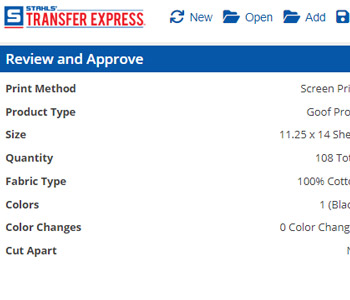
When you are ready to order the custom artwork that you have created in Easy View®, the final steps are to review your order and Add to Cart. To review your order, click on the Review…
Pricing and Custom Transfer Order Details in Easy View
In Easy View® online designer, pricing is calculated on the fly as you design. As you add your art, quantity needed, ink colors, etc, the price will update in the bottom right pricing area. …
Share Your Easy View Creations with Customers
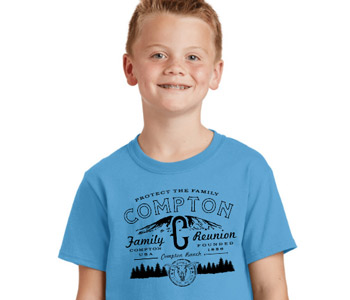
One of the best features in the Easy View® online designer is the Mock Up feature. This feature allows you to add your image to apparel, a model, or a background, add a watermark, and download…
Save Designs in Easy View to “Your Library”
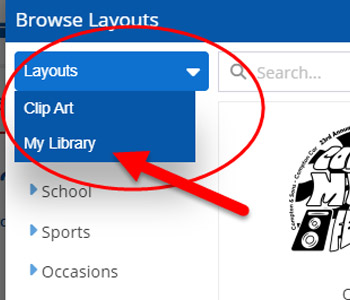
Easy View is a an amazing design tool. You can make multiple of designs in minutes. As you create them for you or your customer, you will want to save your creations to your “My Library”…
Using the Easy View Art Board To Make Transfers The Right Size
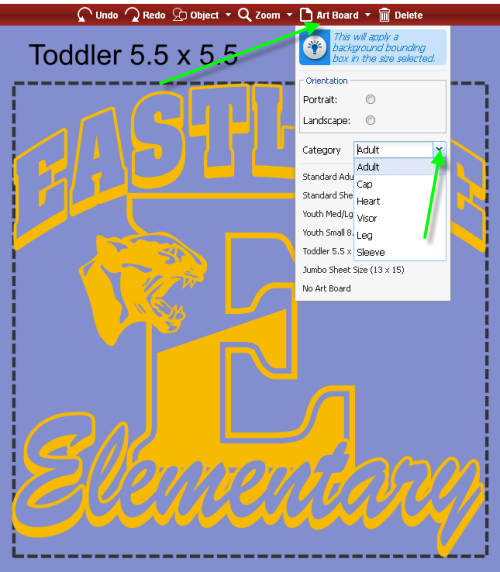
Our new and improved Easy View® online designer gives you unmatched options to do anything you want with your design. This includes the ability to size your design specifically the way you want it. This is…
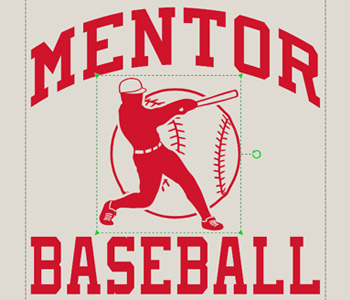
Resizing an Easy Prints® Layout, Clip Art and Text in Easy View®
Easy View® allows you as a designer to adjust many aspects of a design from colors to size. Changing the size of a the text, clip art or entire design gives you the flexibility to create…